
What Are the Essential Travel Apps for a Smooth International Trip? A 2026 Guide
Remember the days of paper maps, bulky phrasebooks, and frantic searches for a payphone? International travel used to be an exercise in logistics, often involving a backpack heavy with guidebooks and a wallet stuffed with foreign currency. While the romance of getting lost has its charm, the stress of being truly lost - missing a train, unable to communicate an allergy, or running out of cash - is something most of us would rather avoid. Today, the most powerful travel tool you own isn't a Swiss Army knife; it's the smartphone in your pocket, loaded with the right essential travel apps.
The essential travel apps for a smooth international trip are those that solve core travel challenges: planning, navigation, communication, and financial management. These digital tools transform your phone into a pocket-sized concierge, translator, navigator, and banker, streamlining every step of your journey. They empower you to travel with more confidence, safety, and spontaneity, allowing you to focus on the experience rather than the logistics.
This comprehensive guide will walk you through every category of application you need to build the ultimate digital travel toolkit. We will explore the best apps for organizing your itinerary, finding incredible deals, navigating foreign cities without an internet connection, breaking down language barriers, managing your money seamlessly, and staying connected with loved ones. By the end, you'll have a curated list of applications ready to download, ensuring your next international adventure is the smoothest one yet.
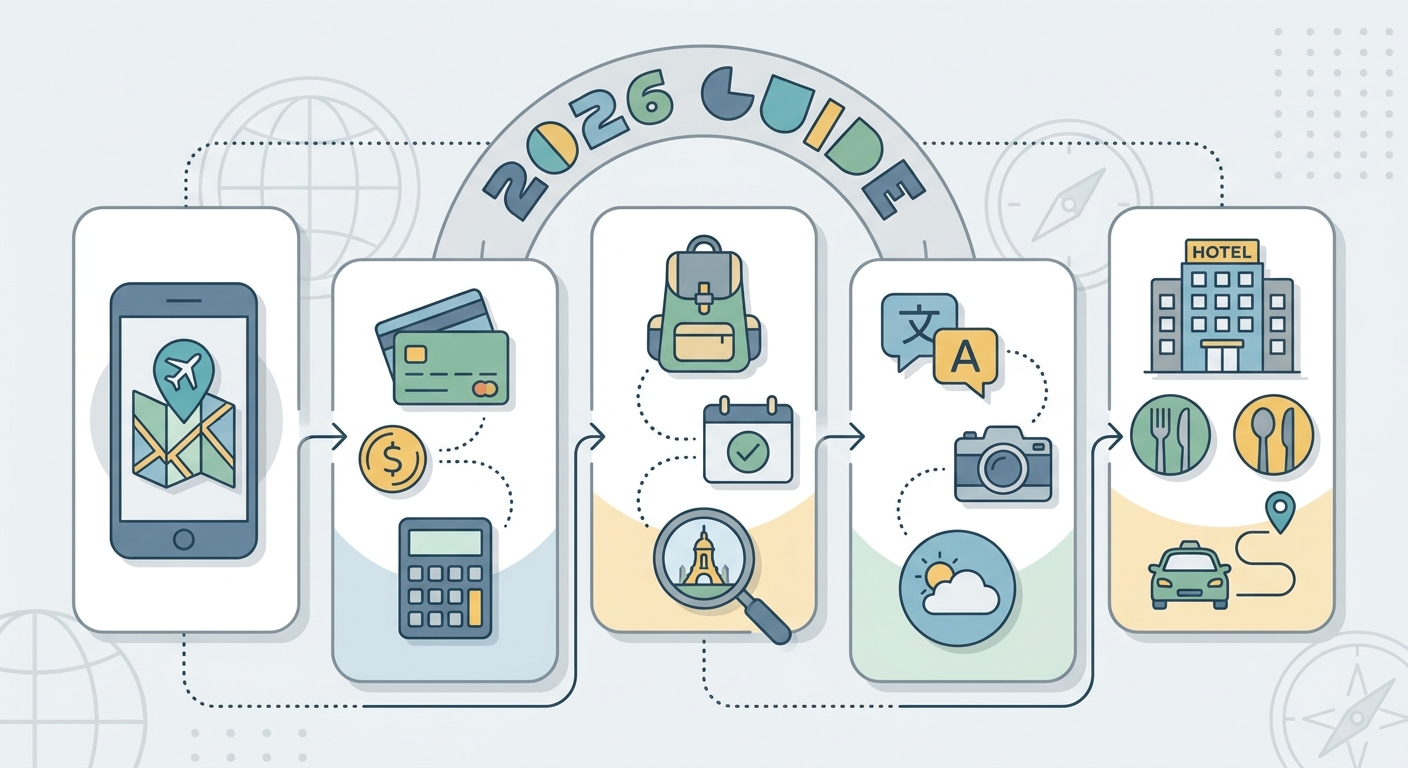
Which Apps Are Crucial for Planning and Organizing Your Itinerary?
The best apps for planning and organizing your itinerary are master consolidators like TripIt and collaborative planners like Wanderlog. These applications act as a central hub for all your booking confirmations, transforming a chaotic inbox of flight, hotel, and car rental emails into a single, chronological master itinerary that is accessible even when you're offline.
Gone are the days of printing out every confirmation email. With an app like TripIt, you simply forward your booking emails to a specific address, and the service automatically parses the information - flight numbers, check-in times, hotel addresses, reservation numbers - and organizes it into a clean, day-by-day schedule. It even adds helpful details like terminal maps and gate information. This automation is a game-changer for complex, multi-stop trips, ensuring you never have to frantically search for a booking reference number while standing at a check-in counter.
For example, imagine you're planning a two-week trip through Southeast Asia, involving three countries, five flights, four hotels, and a train journey. Manually organizing this would be a nightmare. With TripIt, you forward your 13 confirmation emails, and within minutes, a complete itinerary appears in the app. It will tell you when to leave for the airport, provide the address of your hotel in Thai script for your Bangkok taxi driver, and remind you of your train departure time in Vietnam. The Pro version adds real-time flight alerts, which can be invaluable for delays or cancellations.
While TripIt excels at consolidation, Wanderlog shines in the collaborative planning phase. Think of it as a shared notebook or a Google Docs specifically designed for travel. You and your travel companions can collectively add potential sights, restaurants, and activities to a map, optimize a daily route to minimize travel time, and track budgets together. This collaborative feature prevents endless back-and-forth emails and text messages, keeping all your ideas and plans in one visually organized space. You can build out your perfect daily schedule, complete with notes and links, making it the ideal tool for group trips or for travelers who love detailed, visual planning.
How Do TripIt and Wanderlog Compare?
TripIt is fundamentally about post-booking organization. Its strength is its automated parsing of confirmations. It's for the traveler who wants a clean, no-fuss master document of their confirmed plans. Wanderlog, on the other hand, is for the pre-booking and in-the-moment planning process. It's more of a creative and logistical tool for mapping out possibilities and building an itinerary from scratch. Many savvy travelers use both: Wanderlog for the initial brainstorming and route planning, and TripIt as the final repository for all confirmed bookings. This two-app strategy covers the entire lifecycle of trip planning, from initial dream to on-the-ground execution.

How Can You Find the Best Deals on Flights and Accommodation?
To find the best deals on flights and accommodation, you need to use a combination of powerful search aggregators and predictive pricing tools, which are some of the most important essential travel apps. For flights, apps like Skyscanner and Hopper are essential. For accommodation, Booking.com and Hostelworld cover the vast majority of needs, from luxury hotels to budget-friendly dorms.
Search aggregators work by scouring hundreds of airline and travel agency websites simultaneously, presenting you with all available options in one place. Skyscanner is a leader in this space due to its flexibility. Its 'Everywhere' search feature is perfect for travelers with flexible destinations; you can simply input your home airport and desired dates, and it will show you the cheapest places to fly. Furthermore, its calendar view allows you to see price fluctuations over an entire month, helping you pinpoint the absolute cheapest day to travel. This level of flexibility saves you the tedious work of searching on dozens of individual airline sites.
Hopper takes a different approach by focusing on price prediction. The app uses historical data to forecast whether the price of a specific flight is likely to rise or fall. It will advise you to either 'buy now' or 'wait for a better price'. You can set a watch for a particular route, and Hopper will notify you the moment its algorithm predicts that prices have hit their lowest point. For a trip from New York to Paris in September, Hopper might analyze billions of data points and tell you with 95% confidence that the price will drop in the next two weeks, potentially saving you hundreds of dollars just for being patient.
For accommodation, Booking.com is a powerhouse with an enormous inventory of hotels, apartments, and guesthouses worldwide. Its strength lies in its robust filtering system - you can narrow down options by price, location, review score, amenities (like free breakfast or a pool), and cancellation policy. The integrated map view is particularly useful for understanding a property's proximity to key attractions or public transport. For budget travelers and those seeking a more social atmosphere, Hostelworld is the go-to platform. It specializes in hostels and provides detailed reviews from fellow backpackers, focusing on aspects like atmosphere, security, and cleanliness, which are crucial for this style of travel.
What's the Smartest Strategy for Booking?
The most effective strategy is to use these apps in tandem. Start with a broad search on Skyscanner to identify the cheapest dates and potential airlines. Once you've found a promising flight, plug that specific route and date into Hopper to get a recommendation on whether to book immediately or wait. For accommodation, cross-reference properties you find on Booking.com with reviews on other platforms to get a well-rounded view. Always pay close attention to cancellation policies, especially in the current travel climate. By leveraging the strengths of each app, you move from a passive booker to a strategic traveler who consistently finds the best value.
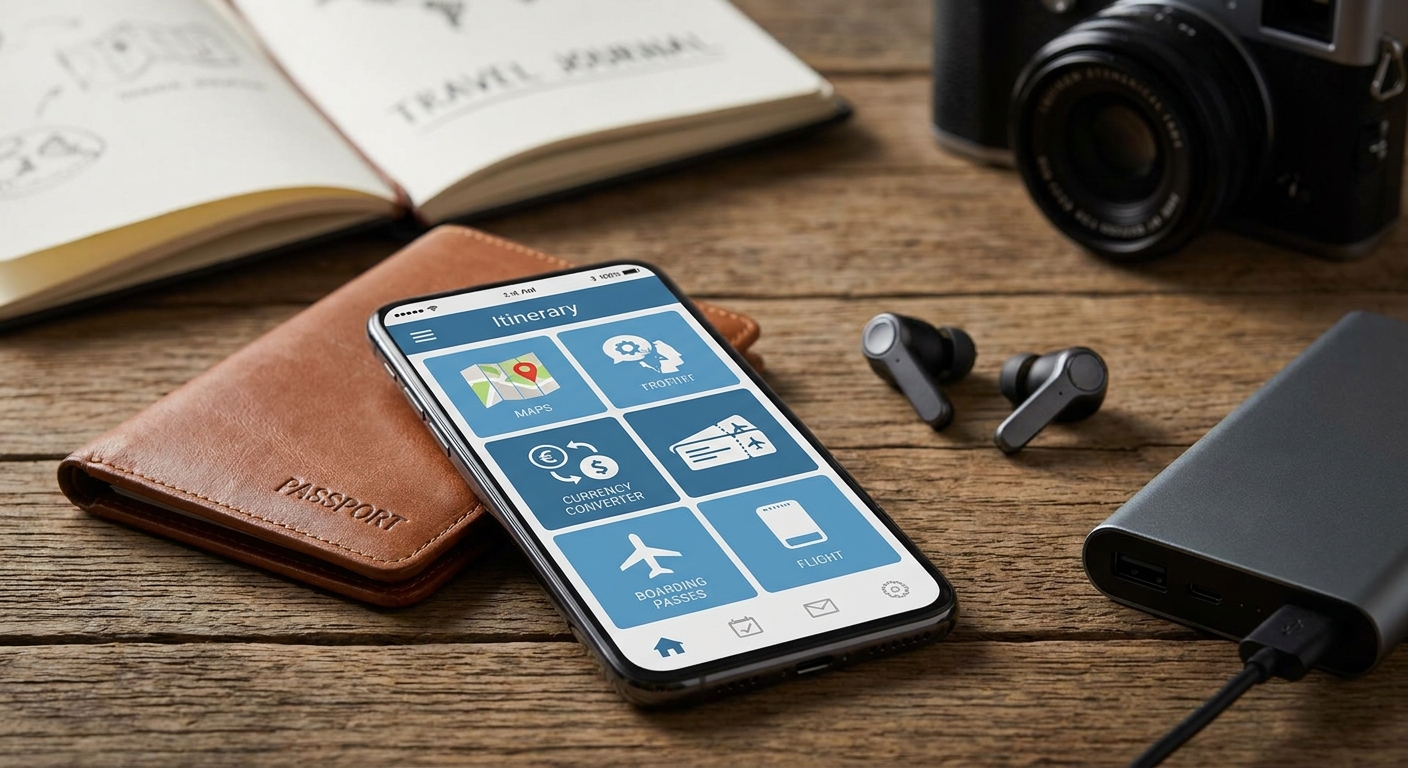
What Are the Best Navigation Apps That Work Offline?
The best navigation apps that work offline are Google Maps and MAPS.ME. These applications allow you to download detailed maps of entire cities or regions to your phone, enabling you to get GPS-based walking, driving, and transit directions without needing a Wi-Fi or cellular data connection. This functionality is absolutely critical for international travel, where data can be expensive or unavailable.
Google Maps is the undisputed king of navigation for a reason. Its offline map feature is robust and easy to use. Before your trip, while you have Wi-Fi, you simply search for a city like Rome, pull up the information card, and tap 'Download'. The app will then save the entire street network, points of interest, and business information to your device. When you arrive in Rome and switch your phone to airplane mode, you can still search for the Colosseum, find nearby restaurants, and get turn-by-turn walking directions. The GPS chip in your phone works independently of your data connection, so your location will still appear as a blue dot on the downloaded map. The primary limitation is that offline maps don't provide live traffic data or detailed public transit schedules, but for general navigation, it's indispensable.
A fantastic alternative and a favorite among hikers and off-the-beaten-path explorers is MAPS.ME. This app is built on OpenStreetMap data, which is often more detailed than Google's in remote areas, showing hiking trails, viewpoints, and smaller footpaths that might be missing elsewhere. Its maps are incredibly detailed and optimized for offline use, with file sizes that are often smaller than Google's. For example, if you're planning a trek in the Andes, MAPS.ME might show you a crucial mountain trail that Google Maps overlooks. The app is completely free and all its features work offline, which is its main selling point.
For travelers who will be relying heavily on public transportation in major metropolitan areas, Citymapper is a must-have companion. While its core functionality requires data, its ability to save journeys and view transit maps offline is a lifesaver. It excels at multi-modal routing, combining bus, subway, train, ferry, and even bike-share options to find the absolute fastest and cheapest way to get from A to B. It provides real-time departure information, disruption alerts, and even tells you which subway car to board for the quickest exit. For navigating the complex transit systems of cities like London, Tokyo, or New York, it is unparalleled.
Comparison of Offline Navigation Apps
Choosing the right app depends on your travel style. Google Maps is the best all-rounder for most urban travelers. MAPS.ME is superior for adventurers, hikers, and anyone exploring rural or remote regions. Citymapper is the specialist for public transit users in major global cities. A smart traveler will often download maps for their destination on both Google Maps and MAPS.ME to have a backup and leverage the unique strengths of each.
| Feature | Google Maps | MAPS.ME | Citymapper |
|---|---|---|---|
| Best For | All-around urban navigation | Hiking, rural areas, detailed trails | Complex public transit systems |
| Offline Functionality | Excellent (download by region) | Excellent (all features work offline) | Limited (offline maps and saved trips) |
| Key Strength | Integration with search, reviews | Highly detailed trail and path data | Real-time, multi-modal transit routing |
| Primary User | City explorers, road trippers | Backpackers, trekkers, adventurers | Commuters, urban tourists |
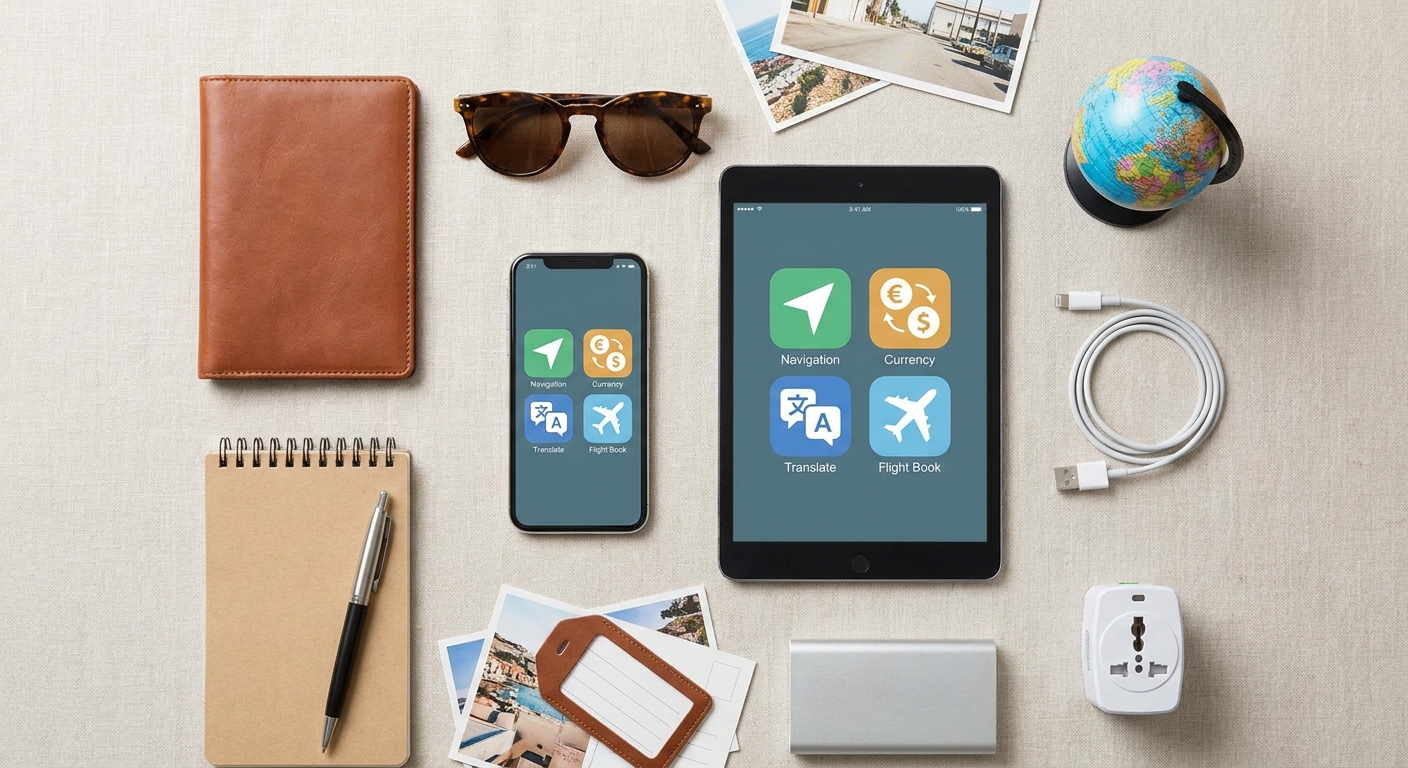
How Do You Overcome Language Barriers While Traveling?
You can effectively overcome language barriers while traveling by using powerful translation apps like Google Translate and iTranslate. These apps turn your smartphone into a universal translator, offering multiple modes of communication including text, voice, and even visual translation through your phone's camera. For pre-trip preparation, language-learning apps like Duolingo are also invaluable.
Google Translate is the most versatile and essential tool for on-the-ground communication. Its capabilities are astonishingly broad. You can type a phrase and get an instant translation, but its real power lies in its advanced features. The 'Conversation' mode allows for a real-time, two-way dialogue. You tap the microphone, speak in your language, and the app will speak the translation aloud; the other person can then reply in their language, and the app translates it back to you. This feature can turn a potentially stressful interaction, like explaining a dietary restriction at a restaurant, into a simple exchange.
Another game-changing feature is the camera translation. Imagine standing in a Japanese supermarket, completely bewildered by the packaging. You can simply point your phone's camera at the text, and Google Translate will overlay the English translation directly onto your screen in real time. This is incredibly useful for reading menus, signs, and transportation schedules. You can also download language packs for offline use, ensuring you're never left speechless even without an internet connection.
While Google Translate is the jack-of-all-trades, specialized apps like iTranslate offer a more polished user interface and additional features, such as a dedicated phrasebook with common travel expressions organized by category (e.g., greetings, dining, emergencies). This can be quicker than typing out a full sentence if you just need a standard phrase. For those who want to learn the basics before they go, Duolingo offers a fun, gamified approach to language learning. Spending just 15 minutes a day for a few weeks before your trip can equip you with essential greetings, numbers, and polite phrases that will be greatly appreciated by locals and enrich your travel experience.
What is the Most Practical Way to Use These Apps?
The most practical approach is to download the necessary offline language pack for your destination in Google Translate before you leave home. This is your safety net. Practice using the camera and conversation features so you're comfortable with them when you need them. Supplement this by using Duolingo to learn a few key phrases - 'hello', 'thank you', 'please', 'how much is this?'. Even a small effort to speak the local language shows respect and can open doors to more authentic interactions. Using these apps doesn't mean you shouldn't try to communicate yourself; it means you have a powerful backup when your own skills fall short.

Which Apps Help You Manage Your Money and Convert Currency Abroad?
The most essential apps for managing money and converting currency abroad are a dedicated currency converter like XE Currency Converter, a multi-currency account app like Wise (formerly TransferWise) or Revolut, and your primary mobile banking app. This trio provides real-time exchange rates, low-cost ways to spend, and oversight of your finances back home.
At the most basic level, you need to know what things cost. The XE Currency Converter app is the gold standard for this. It provides up-to-the-minute, mid-market exchange rates for virtually every currency in the world. Before you hand over your credit card for a souvenir priced at 5,000 Japanese Yen, a quick check in the app can tell you that it's about $35 USD, helping you make an informed purchasing decision. You can pre-load your desired currencies, and it will store the last updated rates for offline use, which is perfect for when you're haggling in a market with no Wi-Fi. It removes the mental gymnastics of currency conversion and prevents you from overpaying.
For actually spending money, modern fintech apps like Wise and Revolut are revolutionary. They offer multi-currency accounts that you can top up in your home currency and then spend abroad using a linked debit card. When you make a purchase, they convert the currency at the real mid-market exchange rate, charging only a very small, transparent fee. This is vastly cheaper than using traditional bank cards, which often hide high markups in their exchange rates and charge foreign transaction fees. For example, spending €500 on a traditional credit card might cost you an extra $15-25 in hidden fees compared to using a Wise card. These apps also allow you to withdraw a certain amount of cash from foreign ATMs for free each month.
Finally, don't forget your own bank's mobile app. It's crucial for monitoring your account for fraudulent activity, transferring funds if needed, and setting travel notices to prevent your cards from being frozen. Many modern banking apps, such as those from Charles Schwab Bank or Capital One, also offer cards with no foreign transaction fees, making them excellent primary or backup options. The key is to check your bank's policy on international fees before you travel.
What is the Best Financial Setup for a Traveler?
An ideal setup involves a multi-layered approach. Use the XE app for quick, on-the-spot price checks. Use a Wise or Revolut card for the majority of your daily spending - coffees, meals, museum tickets - to take advantage of the best exchange rates. Carry a primary credit card with no foreign transaction fees (like a Capital One Venture or Chase Sapphire Preferred) as a backup and for larger purchases like hotels or car rentals, where credit cards offer better consumer protection. This combination minimizes fees, provides security, and ensures you always have a way to pay.
How Can You Stay Connected and Communicate Internationally?
You can stay connected and communicate internationally by using messaging apps like WhatsApp, leveraging eSIM technology through providers like Airalo, and having a Wi-Fi calling app like Skype as a backup. This strategy allows you to avoid exorbitant international roaming charges from your home carrier while maintaining easy contact with people both at home and in your destination.
WhatsApp is the most ubiquitous communication tool for travelers. It operates over Wi-Fi or cellular data, allowing you to send text messages, photos, and videos, as well as make high-quality voice and video calls for free to anyone else who has the app, anywhere in the world. It has become the de facto communication standard in many parts of Europe, Asia, and Latin America. Tour operators, Airbnb hosts, and local guides will often prefer to communicate via WhatsApp rather than email or traditional phone calls. Its end-to-end encryption also provides a secure channel for communication.
The biggest challenge, however, is getting affordable data. This is where eSIMs have changed the game. An eSIM is a digital SIM card that you can download to your phone. Apps like Airalo or Holafly act as marketplaces for prepaid eSIM data plans for over 200 countries. Before your trip to Italy, for example, you can purchase a 10GB data plan for 30 days for around $20. You install the eSIM profile on your phone, and the moment you land, you can activate it and have instant, affordable data without ever needing to find a local SIM card shop or pay your home carrier's $10/day roaming fee. This is arguably the most significant technological leap for traveler connectivity in the last decade, making these some of the most essential travel apps today.
As a reliable backup, especially for calling landlines, an app like Skype is still incredibly useful. While WhatsApp is great for app-to-app calls, Skype allows you to purchase a small amount of credit (Skype Out) to make very cheap calls to actual phone numbers worldwide. If you need to call your bank back home to report a lost card or phone a hotel that doesn't use WhatsApp, calling from Skype over Wi-Fi will cost mere cents per minute, whereas a traditional roaming call could cost several dollars per minute. It's the perfect bridge between the internet-based app world and the traditional telephone network.
What's the Most Cost-Effective Connectivity Plan?
The most cost-effective plan is to rely primarily on Wi-Fi whenever available (in your hotel, cafes, etc.) for heavy usage. For constant connectivity while you're out exploring, an eSIM from a provider like Airalo is the clear winner. Purchase a data plan that matches the length of your trip and your expected usage. Use WhatsApp for all your messaging and calls to other smartphone users. Keep a few dollars of credit on a Skype account for the rare occasion you need to call a landline. This combination will likely cost you a fraction of what a single week of international roaming would from a major US carrier.
What Are the Essential Apps for Local Transportation and Ride-Sharing?
The essential apps for local transportation and ride-sharing depend heavily on your destination, but globally, you should have Uber and a powerful local transit app like Google Maps or Citymapper installed. It's also crucial to research and download the dominant regional ride-sharing app, such as Grab in Southeast Asia or Bolt in Europe.
While Uber is a global giant, its presence is not universal. In many countries, it's a reliable and safe way to get around, offering familiar features like upfront pricing, in-app payment, and GPS tracking. However, it's vital to check if Uber operates in your destination city before you go. In many parts of the world, local or regional competitors are more popular, have more drivers, and are often cheaper. Assuming Uber will be there can leave you stranded.
This is where regional champions come in. For example, if you are traveling through Thailand, Vietnam, or Singapore, Grab is the undisputed leader. It functions just like Uber but also offers additional services like motorbike taxis (a quick and cheap way to beat city traffic) and food delivery. Similarly, in many European and African cities, Bolt is a major competitor to Uber, often with lower prices. In China, you would need Didi Chuxing. A key part of your pre-trip planning should be a quick search for "ride-sharing app in [your destination city]" to ensure you have the right tool for the job.
For public transportation, the integrated transit features in Google Maps are often sufficient for many cities. It can provide subway, bus, and train routes and schedules. However, for cities with highly complex systems, a dedicated app like Citymapper is superior. It offers real-time departure information, disruption alerts, and step-by-step directions that even tell you which station exit to use. Furthermore, many cities have their own official transit apps (e.g., the Go-Ahead app in Dublin or the TFL Go app in London) that allow you to top up transit cards or buy tickets directly on your phone, which is incredibly convenient.
How Do You Create a Foolproof Ground Transport Strategy?
A foolproof strategy is to be prepared for multiple modes of transport. First, download the offline map of your destination in Google Maps, which will include the transit network layout. Second, download Uber and the dominant local ride-sharing app for your region. Set up your account and payment method before you leave home to avoid any issues abroad. Third, check if a specialized app like Citymapper supports your destination city; if it does, download it. This multi-app approach gives you maximum flexibility. You can use the transit app for cheap and efficient travel during the day and rely on a ride-sharing app for safety and convenience at night or for direct trips to the airport with luggage.
How Do You Ensure Your Safety and Well-being with Technology?
You can leverage technology to enhance your safety and well-being during international travel by using apps for emergency information, secure document storage, and health management. Key apps include the official government travel advisory app like Smart Traveler, a first aid app from the Red Cross, and a secure password manager like 1Password or LastPass for digital documents.
Proactive safety starts with being informed. The U.S. Department of State's Smart Traveler app is an essential resource for American citizens. It provides up-to-date travel advisories, alerts, and country-specific information, including entry and exit requirements, local laws, and emergency contact numbers for embassies and consulates. Enrolling your trip in the Smart Traveler Enrollment Program (STEP) through the app allows the embassy to contact you in case of an emergency, such as a natural disaster or civil unrest. Many other countries have similar apps for their citizens (e.g., the UK's 'Travel Aware').
For on-the-ground medical situations, having a reliable first aid app is crucial. The official First Aid app by the American Red Cross provides simple, step-by-step instructions for handling common medical emergencies, from minor cuts and burns to more serious situations. The content is preloaded in the app, so it works perfectly without an internet connection. While it's no substitute for professional medical care, it can provide critical guidance in the moments before help arrives, potentially making a significant difference in the outcome.
Securing your digital life is just as important as your physical safety. Losing your passport or credit cards is a nightmare scenario. While you should always carry physical copies separate from the originals, storing encrypted digital copies is another vital backup. A secure password manager like 1Password or LastPass is perfect for this. These apps use heavy encryption to store not just passwords but also secure notes and document scans. You can save photos of your passport, driver's license, visa pages, and the front and back of your credit cards. If your wallet is stolen, you can immediately access all the necessary numbers and contact information to cancel your cards and begin the process of getting an emergency passport, all from your phone.
What Other Digital Safety Measures Should You Take?
Beyond these apps, consider downloading the app for your travel insurance provider. This often allows for easy access to your policy details and a one-tap button to call their 24/7 emergency assistance line. Additionally, ensure your phone's built-in emergency features are set up. Both iOS and Android have emergency SOS functions that can quickly call local emergency services and notify your emergency contacts with your location. Familiarize yourself with how to activate this feature before you travel. A final layer of security is a good VPN (Virtual Private Network) app, which encrypts your internet connection, protecting your data when using unsecured public Wi-Fi networks in airports and cafes.
What Apps Can Enhance Your Travel Experience and Help You Find Local Gems?
Apps that enhance your travel experience and help you find local gems are those that tap into user-generated reviews and offer unique, curated activities. The most essential apps in this category are Tripadvisor for crowd-sourced reviews, GetYourGuide or Viator for booking tours and activities, and niche apps like AllTrails for outdoor enthusiasts.
Tripadvisor is the behemoth of travel reviews. While it's wise to read its reviews with a critical eye, its sheer volume of user content is invaluable. You can find reviews and photos for almost any restaurant, hotel, or tourist attraction on the planet. Its real power for finding local gems lies in its forums and filtering capabilities. You can search for restaurants 'loved by locals' or filter for attractions that are off the beaten path. The user-submitted travel forums are a goldmine of information where you can ask specific questions - 'Where can I find the best cacio e pepe in a non-touristy part of Rome?' - and get detailed answers from experienced travelers and locals.
While Tripadvisor is great for finding things to do, apps like GetYourGuide and Viator are built for booking them. These platforms aggregate thousands of tours, skip-the-line tickets, cooking classes, and day trips from local providers. This allows you to compare options, read reviews, and book securely in one place, often with free cancellation policies. For example, instead of waiting in a two-hour line for the Vatican Museums, you can book a specific time slot through one of these apps the day before, saving you precious vacation time. They are also fantastic for discovering unique experiences you might not have known existed, like a street food tour on the back of a Vespa in Ho Chi Minh City.
For travelers whose adventures are centered around the outdoors, a specialized app is a must. AllTrails is the leading app for hikers, runners, and mountain bikers. It features a massive database of trails with detailed maps, difficulty ratings, elevation profiles, and recent reviews from other users. These reviews often contain crucial, up-to-date information about trail conditions, such as whether a path is muddy, blocked by snow, or if there's a new detour. You can download trail maps for offline use, ensuring you can navigate safely even without a cell signal in the mountains.
How Can You Use These Apps for Authentic Experiences?
The key is to look beyond the top 10 lists. On Tripadvisor, sort reviews by 'newest' instead of 'most popular' to find emerging spots. On GetYourGuide, look for smaller group tours or workshops led by local artisans rather than large bus tours. Use these platforms as a starting point, but don't be afraid to wander. Use a food blog or a local's recommendation you found in a forum and combine it with your offline map. The best travel experiences often come from a mix of smart planning using these powerful tools and the willingness to embrace a bit of spontaneous discovery.
How Can You Pack Smarter and Stay Organized on the Go?
You can pack smarter and stay organized on the go by using a dedicated packing list app like PackPoint and leveraging the official apps of the airlines you're flying with. This combination ensures you don't forget essential items and that all your crucial travel documents, like boarding passes, are digitally accessible and updated in real-time.
PackPoint is an intelligent packing list builder that automates the tedious process of figuring out what to bring. Instead of starting with a blank slate, you input your destination, length of stay, and the dates of your trip. The app then checks the weather forecast for that location and generates a customized packing list based on the expected temperature and conditions. You can also select the activities you plan to do - such as hiking, swimming, or a fancy dinner - and PackPoint will add relevant items to your list. It will remind you to pack basics like your toothbrush and chargers, but also suggest a rain jacket for a trip to London in October or swimwear for a beach holiday in Bali. This automation helps prevent both overpacking and forgetting critical items.
Once you're packed and on your way, the airline's official app becomes one of the most important tools on your phone. Downloading the app for carriers like Delta, United, or Lufthansa is non-negotiable for modern travel. These apps house your digital boarding pass, eliminating the need for paper copies. More importantly, they are the primary channel for real-time updates. If your gate changes or your flight is delayed, the app will send you a push notification instantly - often faster than the airport's public announcement boards are updated. You can also use the app to check in for your flight, select seats, track your checked baggage, and get information on in-flight entertainment. It's your single source of truth on travel day.
Beyond these two, a simple notes app or a document scanner app like Adobe Scan can be invaluable for organization. You can use a notes app to jot down confirmation numbers, addresses, or recommendations from other travelers. A scanner app allows you to create high-quality PDF copies of receipts for expense tracking or any paper documents you receive during your travels. This digital organization system means less paper to carry and less chance of losing important information.
What is the Ultimate Digital Organization Workflow?
The workflow begins weeks before your trip with PackPoint to build a comprehensive packing list. A week before, you use TripIt to consolidate all your booking confirmations into a master itinerary. A day before your flight, you use the airline app to check in and get your digital boarding pass, which you can save to your phone's digital wallet (Apple Wallet or Google Pay). On travel day, the airline app keeps you updated on your flight status. During your trip, all your plans are neatly organized in TripIt, and your offline maps guide you around the city. This seamless digital workflow reduces stress and keeps all your critical information just a few taps away, allowing you to travel with confidence and peace of mind.
Conclusion: Your Smartphone as the Ultimate Travel Companion
In the digital age, a well-curated suite of essential travel apps is no longer a luxury; it is the foundation of a smooth, efficient, and enriching international journey. The era of fumbling with oversized maps and struggling through language barriers with a worn-out phrasebook has been replaced by the quiet confidence of having a navigator, translator, and local expert right in your pocket. By thoughtfully selecting applications across key categories - planning, booking, navigation, communication, and finance - you transform your smartphone from a simple communication device into the most powerful travel tool you own.
The key is not to download dozens of apps, but to choose a select few that excel at their specific functions. A master itinerary app like TripIt provides order amidst the chaos of confirmations. Offline navigation from Google Maps or MAPS.ME grants you the freedom to explore without fear of getting lost or incurring data charges. A communication suite led by WhatsApp and an Airalo eSIM ensures you're always connected affordably. And financial tools like Wise and XE Currency Converter save you money and provide clarity in every transaction. Each app serves a distinct purpose, working together to eliminate common travel friction points.
Ultimately, the goal of using this technology is to enhance your human experience. These apps handle the logistical heavy lifting, freeing up your mental energy to be present in the moment - to savor the taste of a new cuisine, to absorb the beauty of an ancient landmark, or to have a genuine connection with a new acquaintance. As you prepare for your next adventure, take the time to build your digital toolkit. Download the apps, familiarize yourself with their features, and prepare your phone for the journey ahead. In doing so, you're not just packing a device; you're packing peace of mind, ensuring your focus remains on what truly matters: the incredible experience of exploring the world.
Frequently Asked Questions
Yes, using a VPN (Virtual Private Network) is highly recommended for international travel. A VPN encrypts your internet connection, which is crucial for protecting your personal data, like passwords and credit card numbers, when using unsecured public Wi-Fi networks in airports, hotels, and cafes. It can also allow you to access websites and streaming services from your home country that might be blocked in your destination. For example, you can use a VPN to connect to a server back home to watch your favorite shows or access your online banking securely if it has geographic restrictions.
The best way to use your phone internationally without roaming charges is to purchase a prepaid eSIM data plan from a provider like Airalo or Holafly. An eSIM is a digital SIM you download to your phone, giving you access to affordable local data networks. This is significantly cheaper than the daily roaming plans offered by most home carriers. Alternatively, you can turn off data roaming on your phone and rely solely on Wi-Fi. Using apps like WhatsApp for calls and messaging over Wi-Fi is completely free. A combination of an eSIM for mobile data and Wi-Fi is the most effective strategy.
While it's hard to pick just one, the most essential travel app for most people is Google Maps. Its versatility is unmatched. It serves as your primary navigation tool with robust offline capabilities, a search engine for finding restaurants and attractions with up-to-date reviews, and a public transit guide. It solves one of the most fundamental travel challenges: figuring out where you are and how to get where you want to go. Its integration of multiple travel functions into a single, reliable platform makes it the indispensable foundation of any digital travel toolkit.
Yes, travel eSIMs are absolutely worth it for the vast majority of international travelers. They offer a convenient and cost-effective way to get mobile data abroad without paying exorbitant roaming fees or dealing with the hassle of finding and purchasing a physical SIM card upon arrival. With an eSIM, you can buy and install your data plan before you even leave home. The moment you land, you can connect to the internet to call a ride-share, check your maps, or let family know you've arrived safely. The cost savings and convenience they provide make them a modern travel essential.
To keep travel documents organized on your phone, use a combination of an itinerary consolidator and a secure storage app. An app like TripIt is perfect for automatically organizing booking confirmations for flights, hotels, and cars into one master itinerary. For sensitive documents like your passport, visa, and credit cards, take clear photos or scans and store them in an encrypted, password-protected app like 1Password or LastPass. This provides a secure digital backup in case your physical documents are lost or stolen. Also, save your airline boarding passes to your phone's digital wallet for easy access.